The core cutting, captions and timing still work free, which keeps CapCut viable for phone-shot class projects edited on the same phone.
The practical rule: start free, and if a specific effect sits behind Pro, either restyle the scene or move that project to Clipchamp.
When is DaVinci Resolve the right choice?
DaVinci Resolve is the free professional suite, suited to film-class projects, portfolio pieces and any edit longer than ten minutes. The free tier carries editing, color grading and Fairlight audio, with a handful of AI tools reserved for the paid Studio version.
The learning curve is real: budget a weekend tutorial before a deadline project. The payoff is skills that transfer directly to industry tools.
Students building a media portfolio should treat Resolve as the semester-long investment and Clipchamp as the quick-turnaround tool beside it.
Where do Canva and Descript fit?
Canva for Education covers video inside the design workflow students already use, and Descript edits video by editing text. Canva's education tier unlocks the Pro feature set free for verified students, which includes the premium video templates.
Descript's transcription-based editing suits talking-head recaps: delete the words and the video cuts itself, with filler-word removal on the free tier's monthly allowance.
Pick by project type (Source: author map, November 2026)| Project | Pick | Why |
|---|
| Class presentation video | Clipchamp | Free 1080p, autocaptions, fast |
| Club promo with templates | Canva Education | Pro templates free with verification |
| Film-class or portfolio edit | DaVinci Resolve | Professional grading and audio free |
| Talking-head recap | Descript | Edit by transcript, remove fillers |
| Phone-shot quick edit | CapCut | Capture and cut in one place |
How do groups share one edit?
Browser-based Clipchamp and Canva handle group work best, because the project does not live on one laptop. Assign roles anyway: one editor owns the timeline while others feed footage and captions.
Export settings that survive submission portals (Source: author guide, November 2026)| Requirement | Setting | Why |
|---|
| Standard upload | MP4, 1080p, 30 fps | Plays everywhere at a fair size |
| Portal size cap | 720p or lower bitrate | Stays under tight limits |
| Caption requirement | Burn in or attach SRT | Accessibility marks |
| Privacy check | No classmates in frame without consent | Avoids redoing the edit |
- Agree on the rough cut in the shared project before polish.
- Keep raw footage in one shared drive folder, named by scene.
- Export a review copy early; feedback at minute zero is cheap.
The AI side of the workflow, from script drafts to voiceovers, comes from the wider stack in our free AI tools hub, which pairs cleanly with any editor here.
Generation tools such as Runway offer small free credits, best treated as effects garnish rather than the workflow. Generated clips suit intros, b-roll inserts and stylized transitions inside a real edit.
Budget credits for the ten seconds that elevate a project, and cut the rest conventionally. Credits deplete fast, and coursework rarely needs more.
The chatbots behind those same tools, compared in our alternatives guide, handle the scripting side of video work free.
Next steps
Claim Canva for Education if your campus verifies, then keep Clipchamp as the default export machine. These guides go deeper:
The free editors here cover every coursework scenario; the only paid upgrade worth considering is Resolve Studio, and only after a semester of daily editing.
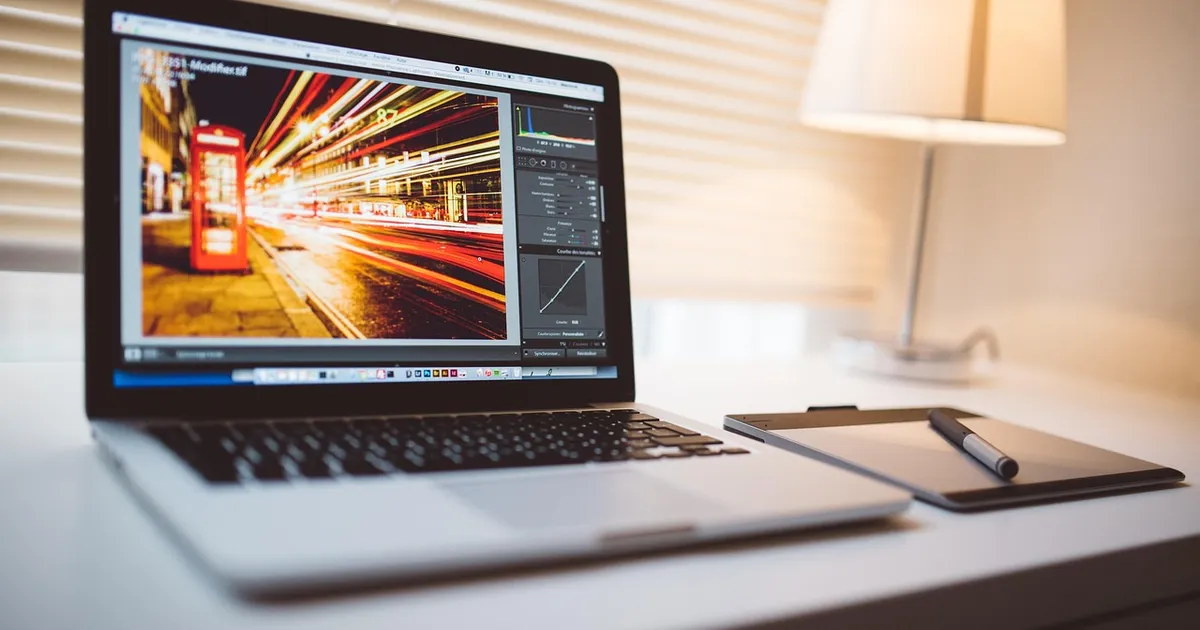
Photo: Lalmch, Pixabay Content License, via Pixabay (https://pixabay.com/photos/computer-macbook-tablet-editing-767781/)

 Fazlur Rahman