 Fazlur Rahman
The Dashlane vs 1Password Business price gap looks small: $96 against $107.88 per seat per year, in Dashlane's favor. The gap flips once you add Dashlane's second layer, risk detection. Both layers cost about $144 per seat per year. Three things decide the pick. They are team size, guest access for outside partners, and how much risk detection you want to buy.
Below are vendor prices, a cost table for 10, 50 and 200 seats, and plan limits. If you have no shortlist, start with the best password manager for business roundup.
How much does Dashlane vs 1Password Business cost per seat?
1Password Business costs $8.99 per user per month billed yearly, which the vendor states is $107.88 per user per year. Dashlane Omnix Password Management costs $8 per user per month billed annually, or $96 per year. That leaves Dashlane $11.88 per seat per year cheaper before any add-on.
Both prices come from the vendors. See the 1Password business pricing page and the Dashlane pricing page. The $96 also matches Dashlane's 12-month listing on the AWS Marketplace. 1Password also sells Business month to month at $10.99 per user. Dashlane's page lists only annual billing.
The order changes when you add Dashlane's second layer. Omnix Credential Protection costs $4 per user per month billed annually. It spots exposed logins and phishing in the browser. Both layers cost $12 per user per month, or $144 per seat per year. That is $36.12 more than 1Password Business, about 33 percent. Dashlane sells its bundled Enterprise plan by quote, so a real quote can differ. The two products also do different jobs, so treat this as a price check only.
| Plan | Price per user per month | Billing term | Minimum seats |
|---|---|---|---|
| 1Password Business | $8.99 | Billed yearly, $107.88 per user per year | 1 user |
| 1Password Teams Starter Pack | $2.49 | Billed yearly, 10-seat pack $24.95 per month | 10, maximum 20 |
| 1Password Enterprise | Not published | Sold by quote | Not stated |
| Dashlane Omnix Password Management | $8.00 | Billed annually, $96.00 per seat | None on Dashlane's page, 2 on the AWS listing |
| Dashlane Omnix Credential Protection | $4.00 | Billed annually | Not stated |
| Dashlane Omnix Enterprise | Not published | Custom, volume-based quote | Not stated |
| Bitwarden Teams | $4.00 | Billed annually, $48.00 per user per year | None stated |
| Bitwarden Enterprise | $6.00 | Billed annually, $72.00 per user per year | None stated |
Checked November 2026 on the 1Password, Dashlane and Bitwarden pricing pages and the Dashlane AWS Marketplace listing.
What do the business tiers cost at 10, 50 and 200 seats?
For Dashlane vs 1Password Business, multiply the per-seat price by your headcount. At 50 seats, 1Password Business costs $5,394 a year and Dashlane Omnix Password Management costs $4,800. Both Dashlane layers cost $7,200. The table shows 10, 50 and 200 seats, with no discount or tax applied.
| Plan | Per seat per year | 10 seats, 1 year | 50 seats, 1 year | 200 seats, 1 year | 50 seats, 3 years |
|---|---|---|---|---|---|
| 1Password Business | $107.88 | $1,078.80 | $5,394.00 | $21,576.00 | $16,182.00 |
| 1Password Teams Starter Pack | $29.94 | $299.40 | Not sold | Not sold | Not sold |
| Dashlane Omnix Password Management | $96.00 | $960.00 | $4,800.00 | $19,200.00 | $14,400.00 |
| Dashlane, both layers at list price | $144.00 | $1,440.00 | $7,200.00 | $28,800.00 | $21,600.00 |
| Bitwarden Teams | $48.00 | $480.00 | $2,400.00 | $9,600.00 | $7,200.00 |
| Bitwarden Enterprise | $72.00 | $720.00 | $3,600.00 | $14,400.00 | $10,800.00 |
Checked November 2026 on the 1Password and Bitwarden pricing pages and the Dashlane pricing page and Marketplace listing.
Over three years at 50 seats, 1Password Business reaches $16,182. Dashlane Omnix Password Management reaches $14,400, if list prices hold. Both Dashlane layers reach $21,600. That is $1,806 per year more than 1Password Business.
A headcount cap picks the tier here, not a price tie. The 1Password Teams Starter Pack stays cheaper per seat than Business at every size it allows. Ten seats cost $299.40 a year. Twenty seats cost $898.20 a year, which is $44.91 a seat. The pack stops at 20 users, so the 21st person forces the move to Business.
Which plan limits hit a growing team first?
Seat caps and guest caps reach a growing team before small price gaps do. The 1Password Teams Starter Pack stops at 20 users. 1Password Business allows 20 guest accounts. Each limit below comes from a vendor page, and each one changes the contract you sign.
- 20-user cap - the 1Password Teams Starter Pack stops adding seats at 20 users.
- 20 guest accounts - 1Password Business allows 20, and the Teams Starter Pack allows 5.
- Dashlane guests - 1Password's comparison page says Dashlane has no guest accounts. It also says Dashlane sharing is limited to people with a Dashlane account. That is a rival's claim, so confirm it with Dashlane.
- 2-seat minimum - the AWS Marketplace listing sells Dashlane Omnix Password Management from 2 seats. One seat costs $192 a year there. Dashlane's own page names no minimum.
- Billing term - Dashlane's pages list only annual billing. 1Password also sells month to month.
- Customer success manager - 1Password's pricing page says a dedicated manager comes with 101 or more users. Its comparison page says more than 75. The pages disagree, so ask before you count on one.
What do SSO and SCIM provisioning cost in each business plan?
Neither vendor lists a separate SSO or SCIM fee. 1Password Business lists sign-in through Okta, Entra ID, OneLogin and Duo, plus user and group provisioning. Dashlane lists SSO and SCIM inside Omnix Password Management. The difference is what each page names.
- Single sign-on (SSO) - one sign-in that opens several apps.
- SCIM - System for Cross-domain Identity Management, the standard that creates and removes accounts automatically.
The word SCIM does not appear on the 1Password pricing page. It lists user and group provisioning with Azure AD, Google Workspace, Okta, OneLogin, Rippling and JumpCloud. Dashlane's page sends you to sales for Credential Protection, even though its FAQ lists $4.
How do Dashlane vs 1Password vs Bitwarden compare for a business team?
Bitwarden is the cheapest of the three on published prices. Teams costs $4 per user per month billed annually, and Enterprise costs $6. Neither tier states a seat minimum. Check the feature list before you pick the lower price, because Teams leaves out some controls.
Bitwarden says Enterprise adds granular access control, passwordless SSO, enterprise policies and self-hosting on top of Teams. The Bitwarden business pricing page lists each one. Teams may be enough for a small team with no policy needs.
How does Dashlane vs 1Password vs Keeper compare for a business team?
Keeper puts SSO and SCIM on its top plan only. Its business pricing page lists three password plans: Business Starter for 5 to 10 users, Business, and Enterprise. Enterprise is sold by quote. SAML single sign-on and SCIM provisioning appear only there.
Keeper shows the Business price only on the live page, billed annually, so check it there. One feature helps with outside partners. Keeper's one-time share lets you share a record with someone who has no Keeper account. Every plan includes it.
Which one should a small business pick, and when is the cheaper vendor the wrong choice?
For Dashlane vs 1Password Business, pick by team size first. For 10 to 20 users, the 1Password Teams Starter Pack is the cheapest 1Password plan. Past 20 users you need Business or another vendor. Then check guest access, and whether sign-in and provisioning sit in a plan you can price.
- 1Password Teams Starter Pack - for 10 to 20 users. $2.49 per user per month, billed yearly.
- 1Password Business - for 21 or more users, or teams that need guest accounts. $8.99 per user per month, billed yearly.
- Dashlane Omnix Password Management - for sign-in and SCIM at $8 per user per month. Add Credential Protection only if you want risk detection.
- Bitwarden Teams - the lowest published price at $4, for teams without policy or self-hosting needs.
- Keeper - if you want one-time sharing with outsiders, and can skip SSO and SCIM unless you buy Enterprise.
Do not choose 1Password if you need more than 20 guest accounts. Do not choose Dashlane if outside partners need guest access, unless Dashlane confirms it. Skip it too if you need a month-to-month term. Do not choose Bitwarden Teams if you need policies, passwordless SSO or self-hosting.
Next steps
Write down the seat count you expect next year, then check it against each cap. Run the 14-day trial against your real sign-in setup. 1Password asks for no credit card. For the wider controls, read the business cybersecurity guide for small companies. Then read the cybersecurity compliance frameworks guide.
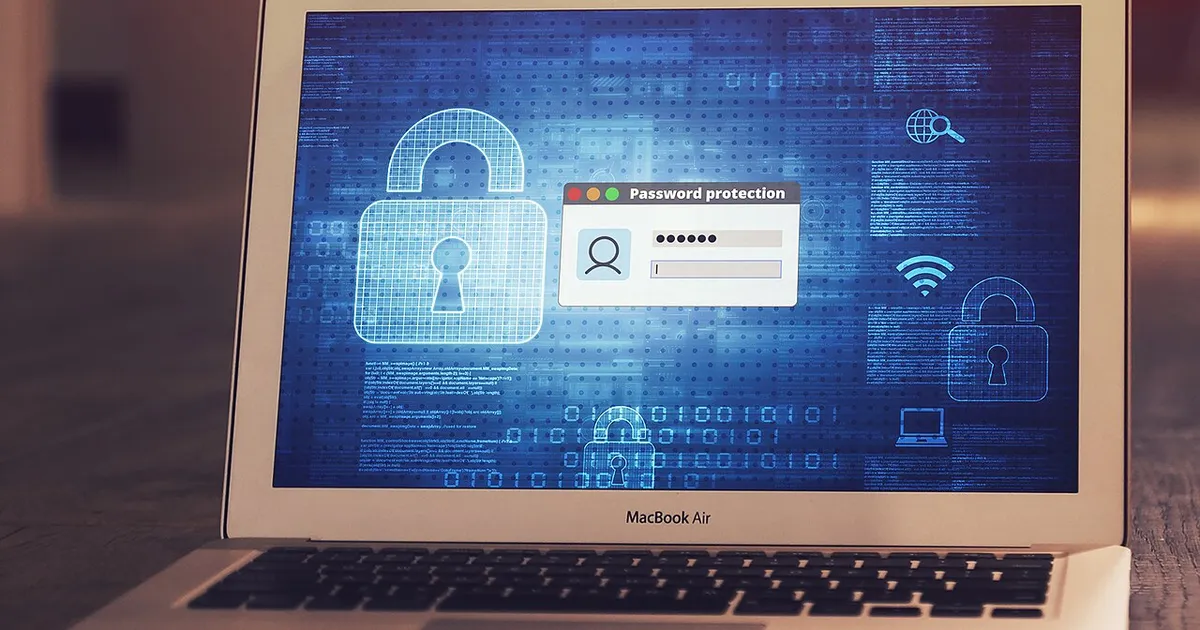
Photo: mikemacmarketing, CC BY 2.0, via Wikimedia Commons (https://commons.wikimedia.org/wiki/File:Password_Protected22.jpg)