Fazlur Rahman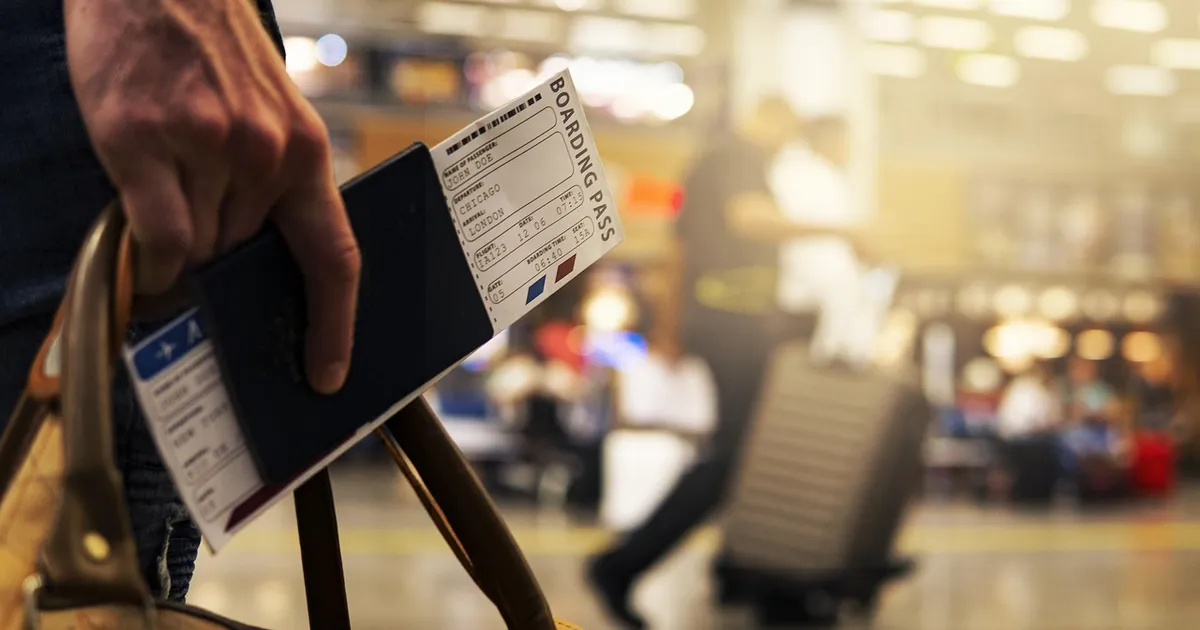
Passport photo prices at every retailer in 2026
US passport photos cost $0 to $20 at retail and online. The free option is the State Department's official photo tool at passportphotos.state.gov, which resizes and validates a smartphone photo for $0. The cheapest retail is Walmart at $7.44 and Costco at $3.99 (members). Mid-range is CVS and Walgreens at $16.99. The expensive end is AAA, post offices, and shipping stores at $15 to $20. The total cost includes any photo printing at home (under $1 for 4x6 print at CVS).
The price difference between a $4 Costco photo and a $17 CVS photo is the same image, validated against the same State Department spec, with the same 6-month validity window. The only variation is the time it takes and the certainty that the photo meets the spec. The free State Department tool has the highest rejection rate for selfies; the $17 CVS photo has the lowest.
Where to get a passport photo
| Location | Price | Time | Specs guarantee |
|---|---|---|---|
| State Department tool (online) | Free | 5 min | No — you validate |
| Costco (members) | $3.99 | 10 min | Yes |
| Walmart | $7.44 | 15 min | Yes |
| AAA (members) | $10–$15 | 10 min | Yes |
| CVS Pharmacy | $16.99 | 10 min | Yes |
| Walgreens | $16.99 | 10 min | Yes |
| USPS Post Office | $15.00 | 5 min | Yes |
| UPS Store | $14.99 | 10 min | Yes |
| Passport photo app (online) | $0–$5 | 10 min | Varies |
Costco: the cheapest reliable option
Costco offers passport photos for $3.99 at the photo counter, with same-day turnaround and a guarantee that the photo meets the State Department spec. The catch: you need a Costco membership, and not every warehouse has a photo counter. The big-city warehouses (LA, NYC, Chicago, Houston, Phoenix, Seattle) usually have one. Smaller warehouses may not. The photo is taken, printed on the spot, and the cashier can usually handle the photo counter walk-in even without a full shopping trip.
Walmart: the most widely available cheap option
Walmart's $7.44 passport photo is the cheapest option available at most US locations, including rural areas that don't have a Costco within an hour. The photo center is in the front of most Walmarts and the service is same-day, no appointment needed. The photos meet State Department spec, and the staff member will re-take if the first shot doesn't pass. The downside: Walmart photo counters have reduced hours in some stores and may not be open early morning or late evening.
CVS and Walgreens: the most expensive and most available
CVS and Walgreens both charge $16.99 for a passport photo, which is the highest among major retail chains. The premium covers the convenience: most US locations are open 7 days a week with extended hours, and many are open until 10 PM. The photo is taken, printed, and the staff member validates it against the spec on the spot. For a traveler who needs a photo on a Sunday at 8 PM before a Monday morning passport agency appointment, CVS is the only answer in many cities.
State Department free tool: best for self-starters
The free tool at passportphotos.state.gov walks you through taking a smartphone photo and crops it to the right size. The result is a digital file that you print at home or upload to the application. The tool also validates against the State Department spec, but the validation is only as good as the photo you take. The most common rejection reasons: face too small, wrong background, shadows, glasses. The acceptance rate is 50% to 70% on the first try, higher on the second.
The free tool is the right answer for tech-savvy travelers who can take a properly framed photo and have access to a printer. The cost is the time: 20 to 40 minutes to retake and re-validate until the photo passes. For a single adult with no time pressure, this is the cheapest. For a family of four with a flight in 2 weeks, the $17 retail photo is the safer call.
Apps and online services
Passport photo apps (AiPassportPhoto, Persofoto, PhotoAiD) take a smartphone photo and produce a print-ready file for $0 to $5. The cheaper apps have the same 50% to 70% acceptance rate as the State Department tool. The paid apps add human review and a money-back guarantee if the photo is rejected. PhotoAiD at $4.99 with a money-back guarantee is the most reliable paid app, and the cost is competitive with the cheapest retail options.
What the State Department actually requires
Photo size: 2x2 inches (51x51 mm). Head size: 1 to 1 3/8 inches (25 to 35 mm) from chin to top of head. Background: solid white or off-white. Recency: taken within the last 6 months. Format: full-face, front view, with a neutral expression (no smiling, no frowning). Eyes open and clearly visible. Glasses are not allowed on photos taken after November 2016 (the State Department removed the exception in 2018 to speed up processing). Head coverings are allowed only for religious reasons and must not obscure the face.
The most common rejection reasons, in order: head too small in the frame, wrong background color, glasses on, smiling, shadows across the face, red-eye, head covering that obscures the hairline. Use the State Department photo composition tool to check the head size before printing.
Baby and child passport photos
The photo spec for infants and children is the same 2x2 inches with the same head size ratio, but the practical execution is harder. Babies under 1 year must have their eyes open, which means timing the photo between blinks. The easiest setup: lay the baby on a white sheet, with a parent sitting behind the photographer holding the baby's chin steady. Most retail photo locations won't photograph a child under 2, so the State Department free tool or a passport photo app is the only practical option for infants.
For children 2 to 5, retail locations (CVS, Walgreens) will usually photograph them but the head-size ratio is harder to maintain. The most reliable setup: a parent holds the child on their lap, both facing the camera, with the white background behind. The parent's arms should be out of frame. The photo should show the child's head sized to match the 1 to 1 3/8 inch head size spec.
Online renewal and the photo question
US passport renewals by mail (Form DS-82) require one new photo, 2x2 inches, mailed with the application. The photo can be printed on photo paper at home (under $1) or ordered from an online printing service for $0.30 to $0.50. Most retail and online renewal services include the photo in the renewal fee, which is the simplest path for travelers who want one transaction.
For first-time applications and in-person renewals, the photo is included in the application package. The acceptance facility doesn't take the photo — the applicant brings it. Most acceptance facilities have a photo service within walking distance (post office has one, county clerk may not).
Common mistakes that waste money
Buying a passport photo at the airport before a flight. Airport prices are $20 to $30 for the same image, and the photo counter is often closed outside business hours. Take the photo before you leave home. Using a photo older than 6 months. The State Department rejects photos that look like they were taken more than 6 months ago, even if the date is recent. If you've changed hairstyle, gained or lost significant weight, or had facial surgery, take a new photo regardless of the 6-month rule.
Wearing glasses in the photo. The State Department rejected glasses on all passport photos starting in 2018, and the rejection rate is high. Take the photo without glasses. The free tool's most common validation error is the background color. Use a bright white wall and no shadows. A folded white sheet held behind you works better than the wall because it curves and avoids edge shadows.
Printing the photo at the wrong size. The State Department requires 2x2 inches exactly. Most home printers can't print that size, and most photo printing apps default to 4x6. Use the State Department's print template to get the right size, or have the photo printed at any retail photo counter (Walmart, CVS, Costco) for under $1 on a 4x6 sheet with two passport photos side by side.
Photo: JoshuaWoroniecki, Pixabay Content License, via Pixabay (https://pixabay.com/photos/merry-christmas-boarding-pass-travel-5219496/)