Every plan includes WordPress, a CDN, and priority support at any hour. Every plan also includes a domain free for the first year. The Hostinger WordPress hosting page, November 2026, lists those items for all three plans, plus a 30-day money-back guarantee.
| Plan | Term | Sale price per month | Price paid | Renewal price per month |
|---|
| Premium | 48 months | $1.99 | $95.52 | $10.99 |
| Unlimited | 48 months | $2.79 | $133.92 | $16.99 |
| Cloud Startup | 48 months | $7.99 | $383.52 | $25.99 |
The numbers come from the Hostinger pricing page, November 2026. That page notes the monthly rate is the total price divided by the number of months in the plan.
What each plan fits
- Premium suits one small site, a blog, or a portfolio. It gives you 3 websites and 20 GB of SSD storage with free weekly backups.
- Unlimited suits an agency or a developer with client work. It gives you unlimited websites and 50 GB of NVMe storage with daily backups and easy data restore.
- Cloud Startup suits a busy store or a site with steady traffic. It gives you unlimited websites, 100 GB of NVMe storage, and daily and on-demand backups.
Match the plan to the work you plan to do. A personal blog needs less than a busy store. Most small sites never reach the site limits on any plan.
What do these plans cost after the first term?
Here is the number most people miss. Premium renews at $10.99 a month. One renewal term of 48 months costs $527.52, against $95.52 for the first term. Unlimited renews at $16.99 a month, which comes to $815.52 across 48 months.
Cloud Startup renews at $25.99 a month. One renewal term of 48 months costs $1,247.52, against $383.52 for the first term. Across eight years of hosting, the two bills for Cloud Startup add up to $1,631.04.
That is the trade behind a Hostinger WordPress hosting coupon. A 10% code trims the first bill, which is the smaller of the two. The renewal price stays the same whatever code you use.
If a site will run past four years, compare the renewal price first and the coupon second. The Hostinger pricing plans and renewal cost breakdown on tutorsbot.com covers shared hosting, cloud, and VPS in one place.
Who should buy Hostinger WordPress hosting?
Shared WordPress hosting fits most first websites. It fits a personal blog, a small business site, or a course landing page. It also fits a client project with a fixed launch date. You get WordPress installed, a domain, backups, and support without touching a server.
It does not fit every job. If you need root access, a custom server setup, or a tool you install yourself, you want a VPS instead. Hostinger sells those separately.
The Hostinger VPS hosting page, November 2026, starts at $6.49 a month on a 24-month term. That plan renews at $11.99 a month.
A second case sits outside shared hosting. A store with heavy daily traffic may need more than these plans give you. A site that runs its own agent or tool needs a server you control.
Both cases point to a VPS, where you pay for the server instead of a plan built around websites. A VPS also asks more of you, so the cheaper shared plan is often the better buy.
How do you apply the coupon code at checkout?
Start on the plan page and pick the term you want. In the payment screen, look for the promo or coupon field and enter Tutorsbot. Then check the cart before you pay.
You want to see the plan, the term, the total due today, and the renewal rate on one screen. A Hostinger WordPress hosting coupon only helps if the cart shows the discount before you pay. Hostinger's checkout rules for your plan and term decide what applies, so check the totals line. The Hostinger coupon code guide on tutorsbot.com sets out the offer terms and what sits outside them.
What should you check before you pay?
Check the renewal price first. It is the number you keep paying after the first four years. Then check the storage and website limits against what you actually need, not what you might need one day. Then read the free domain wording.
The Hostinger domains page, November 2026, lists a .com renewal at $19.99 a year after the free first year. Add that to the hosting renewal when you plan a site for more than a year. A domain renewal is a separate bill from the hosting bill.
New to running a site? The WordPress hosting guide for beginners covers the setup side. Still choosing a host? The Hostinger vs Bluehost vs SiteGround comparison lines up the three.
To get a site live from scratch, read how to host a website on tutorsbot.com. That guide starts where you have nothing yet.
Citing this guide? If you quote, summarize or build on this guide, please credit it with a link to Hostinger WordPress hosting coupon 2026 what you pay on Tutorsbot.
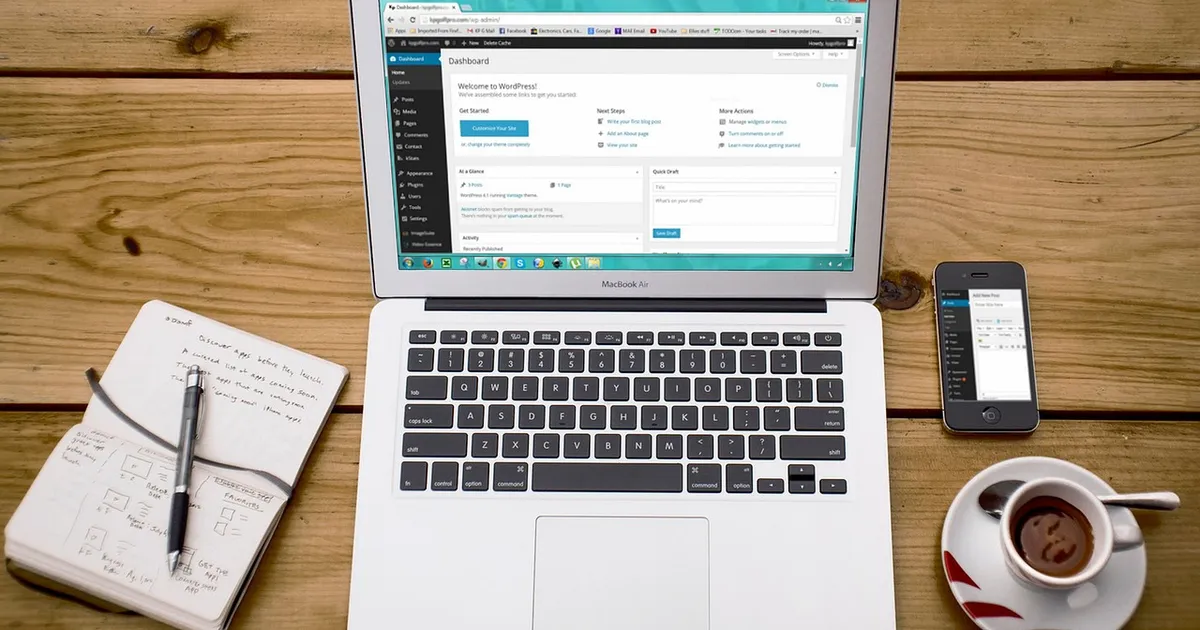
Photo: 27707, Pixabay Content License, via Pixabay (https://pixabay.com/photos/laptop-wordpress-wordpress-design-593673/)

 Fazlur Rahman