hermes setup
hermes model
Use hermes model later to add another provider. Secrets go in ~/.hermes/.env. Other settings go in ~/.hermes/config.yaml. To test, run hermes and ask "What's in my current directory?" You should see a banner with your model, then a reply. Type /exit to leave and hermes --continue to resume.
How to connect Hermes Agent to Telegram
You make a bot in BotFather, give Hermes the bot token and your user ID, then start the gateway. The gateway is the part of Hermes that talks to chat apps. These steps come from the Hermes Telegram docs.
- In Telegram, open @BotFather and send
/newbot.
- Pick a display name, then a username that ends in
bot. BotFather replies with a token.
- Message @userinfobot to get your numeric user ID.
- Run
hermes gateway setup, choose Telegram, and enter the token and your ID.
- Start the gateway and message your bot.
The wizard saves them as TELEGRAM_BOT_TOKEN and TELEGRAM_ALLOWED_USERS in ~/.hermes/.env.
To run the gateway in the foreground, use hermes gateway. For an always-on VPS, install it as a system service, so it restarts after a reboot:
sudo hermes gateway install --system
sudo hermes gateway start --system
sudo hermes gateway status --system
journalctl -u hermes-gateway -f
On the Docker route, run the gateway in a container. This is Hostinger's tutorial command:
docker run -d \
  --name hermes \
  --restart unless-stopped \
  -v ~/.hermes:/opt/data \
  nousresearch/hermes-agent gateway run
Hermes Agent security: lock down your VPS
Hermes can run commands on your server, so treat it like a user with a shell. Start with an allowlist, a firewall and a closed admin panel.
- Set
TELEGRAM_ALLOWED_USERS. The docs say the gateway denies everyone who is not on an allowlist or paired by direct message. Do not turn on GATEWAY_ALLOW_ALL_USERS.
- Keep your bot token secret. If it leaks, send
/revoke to BotFather.
- Protect the keys file with
chmod 600 ~/.hermes/.env, as the Hermes security page advises.
- The default
approvals.mode is smart. Set it to manual in config.yaml for a prompt on every dangerous command.
- To keep commands off the host, run
hermes config set terminal.backend docker.
For the firewall, use Ubuntu's UFW (Uncomplicated Firewall). Allow SSH before you enable it, or you lock yourself out:
sudo ufw allow ssh
sudo ufw enable
sudo ufw status verbose
Hostinger's tutorial also says to turn off root SSH login, use SSH keys and set up fail2ban. The Hermes docs say never to run the gateway as root.
Port 8642 is the Hermes API and port 9119 is the dashboard, which is the admin panel. If you only use chat apps, Hostinger says to close both with sudo ufw deny 8642 and sudo ufw deny 9119. Docker's docs add a catch: published container ports can bypass UFW. So do not publish them with -p at all, unless you need them.
The Hermes docs say the dashboard needs a login on any public address. The container will not start without one. Even so, never expose it to the whole internet. Hostinger's tutorial runs it on localhost only and reaches it through an SSH tunnel:
docker run -d \
  --name hermes-dashboard \
  --restart unless-stopped \
  -v ~/.hermes:/opt/data \
  -p 127.0.0.1:9119:9119 \
  nousresearch/hermes-agent dashboard

ssh -L 9119:127.0.0.1:9119 username@your-server-ip
Run the tunnel command on your own computer, then open http://localhost:9119.
How to install Hermes Agent as Managed Hermes
With Managed Hermes Agent, Hostinger runs the server for you. You buy a plan, choose an AI provider and connect a chat app. No command line is needed. Hostinger's tutorial lists these steps:
- Buy the plan, then pick Hermes in the left sidebar of the Hostinger dashboard.
- Choose the included AI Router or enter your own provider key.
- Wait for deployment, click Hermes, copy the access key and keep it private. Then click Continue and pick a model.
- Link Telegram, WhatsApp or Hostinger Email, then send a test message.
Hostinger lists the plan at $4.99 a month on a 24-month term, which is $119.76 paid upfront. It renews at $11.99 a month. By my math, that is $287.76 for the next 24 months. The plan includes AI credits, web search, managed security, updates and backups. Hostinger's tutorial says backups run daily and are kept for seven days.
How to update Hermes Agent
On a script install, run hermes update. On a Docker install, pull the new image and recreate the container. Your data stays in the ~/.hermes folder.
hermes --version
hermes update --check
hermes update --backup
hermes doctor
The Hermes docs say gateways pause during an update and restart after it. Your bot goes offline for a short time. For Docker, pull and remove the old container:
docker pull nousresearch/hermes-agent:latest
docker rm -f hermes
Then run the same docker run gateway command as before. On the Hostinger template, open Docker Manager, click the three-dot menu on the Hermes project and choose Update.
Hermes Agent troubleshooting
Start with hermes doctor. Most failures come from a wrong API key, a missing allowlist or a missing data volume.
- Empty replies or connection errors: check your API key, then run
hermes setup again.
- Bot does not answer on Telegram: the bot stays silent until the gateway runs. Check
hermes gateway status, and confirm your user ID is in TELEGRAM_ALLOWED_USERS.
- Docker logs: run
docker logs -f hermes to watch live output.
- Lost settings after a restart: you ran the container without
-v ~/.hermes:/opt/data.
Hermes Agent VPS size and cost on Hostinger
For one Hermes agent, KVM 2 matches Hostinger's own advice of 2 cores and 8 GB of RAM. KVM 1 meets the Nous Research minimum. Prices below are Hostinger's 24-month sale prices from November 2026, billed upfront.
| Plan | vCPU | RAM | NVMe disk | Sale price a month | Paid for 24 months | Renews at a month | Next 24 months at renewal | All 48 months |
|---|
| KVM 1 | 1 | 4 GB | 50 GB | $6.49 | $155.76 | $11.99 | $287.76 | $443.52 |
| KVM 2 | 2 | 8 GB | 100 GB | $8.79 | $210.96 | $14.99 | $359.76 | $570.72 |
| KVM 4 | 4 | 16 GB | 200 GB | $12.99 | $311.76 | $28.99 | $695.76 | $1,007.52 |
The last two columns are my math. They multiply the renewal rate by 24 months. Hostinger says plans renew at that rate "for the same term". Check the renewal price before you buy. Managed Hermes is cheaper at the start: $119.76 for 24 months, against $155.76 for KVM 1. The VPS prices do not include your AI model bills. Hostinger lists a 30-day money-back guarantee on both.
For other server costs, read cheap VPS hosting and Hostinger pricing and renewal cost.
You can start from Hostinger's VPS plans.
Disclosure: this link is an affiliate link. Tutorsbot may earn a commission if you buy, at no extra cost to you.
Who should not choose this
- Skip a VPS if you will not patch a server. You must run updates, keep a firewall and watch the logs. Choose Managed Hermes instead.
- Skip Managed Hermes if you need root access or a custom server setup. Hostinger itself points those users to a VPS.
- Skip both if you only want to try Hermes. Install it on your own computer first. The script works on Linux, macOS and WSL2.
- Skip any plan if you cannot pay the renewal. Prices jump after the first term.
If you want to run your own web app on the same kind of server, see how to deploy a Node.js app on a VPS.
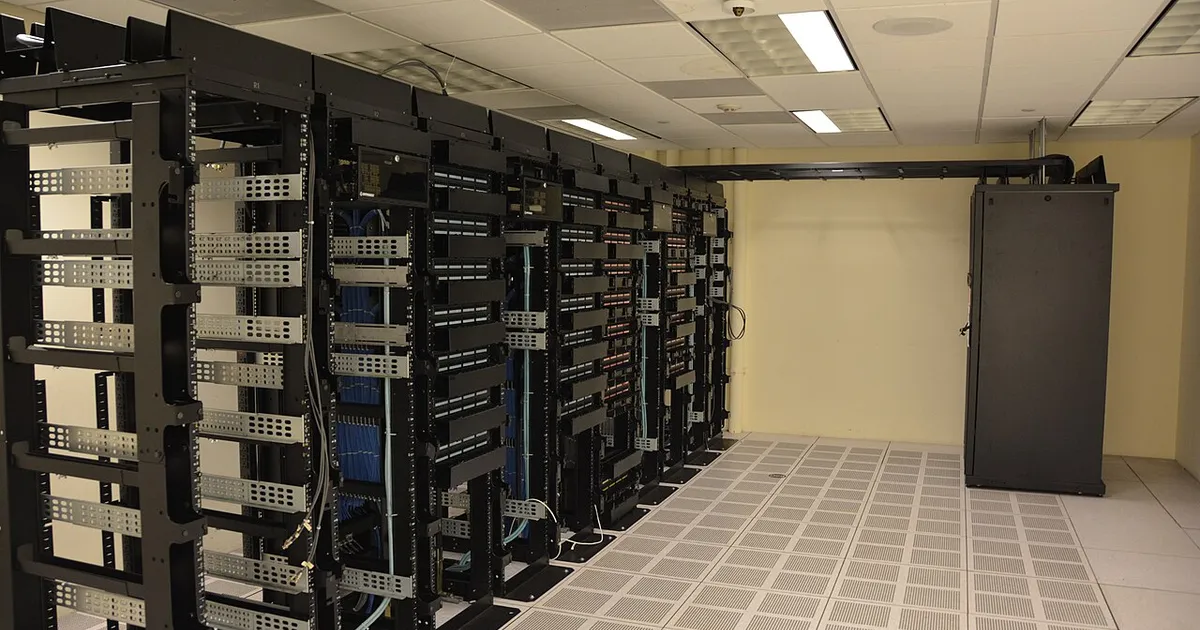
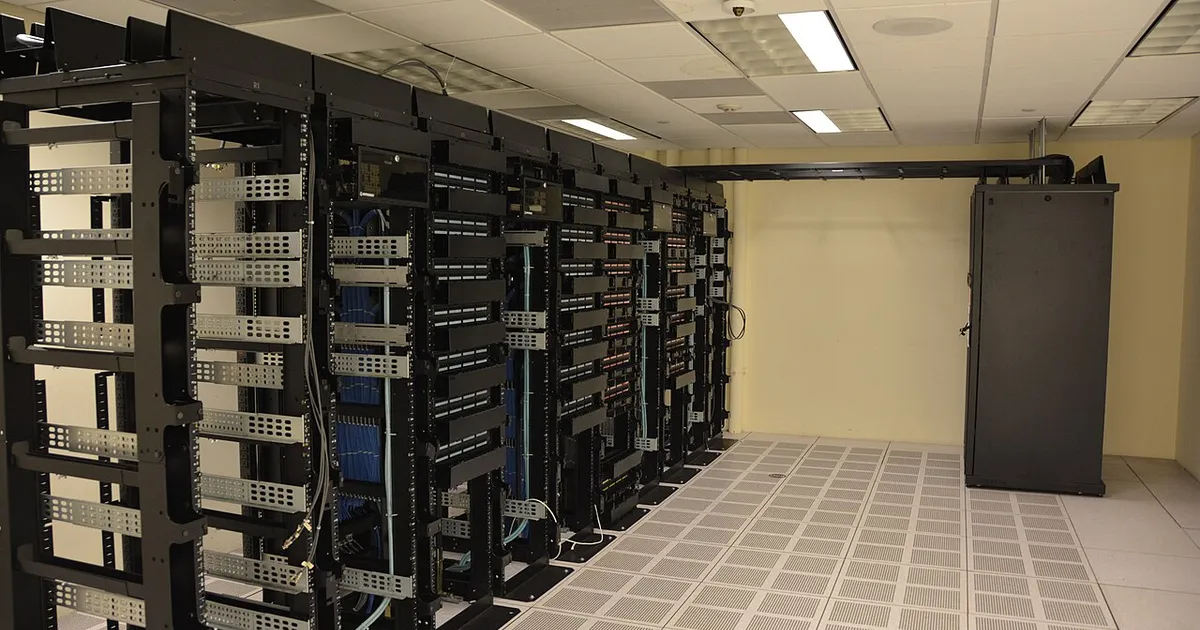
Photo: Direct URL (https://commons.wikimedia.org/wiki/Special:FilePath/Datacenter_Server_Racks_(22370909788).jpg?width=1200) — verify license before use

 Fazlur Rahman