Is self hosting n8n worth it?
It is worth it if you run many executions, can manage a Linux server and want to spend little. It is not worth it if you want zero upkeep. The saving is real but small at low volume.
Take Cloud Starter at €20 a month for 2,500 executions. A Hostinger KVM 2 averages $8.79 a month over the first 24 months and has no execution cap in the docs. Once you pass 2,500 runs a month, the server often wins on cost. Below that, the gap is small and you take on all the risk.
Count your time too. You must update n8n, renew certificates, test restores and fix outages. One bad update or lost encryption key can cost more than a year of Cloud fees.
How to self host n8n on a VPS step by step
These steps follow the n8n guide "Install n8n with Docker Compose (Traefik + Let's Encrypt)" (n8n docs, checked 16 November 2026, stable release 2.47.7). Traefik is a tool that handles HTTPS for you. You need a Linux server, a domain you control and SSH access.
Pick a server size
n8n's other Docker Compose page, which adds a code sandbox, lists at least 4 GB of RAM and 2 vCPUs. It also says to use a dedicated host because one service runs privileged. The Traefik guide lists no minimum. Plan for 2 vCPUs and 4 GB or more.
Point a subdomain at the server
Create an A record (a DNS entry that maps a name to an IP address). Use the name n8n and your server's IP address as the destination.
Install Docker
Install Docker Engine and the Compose plugin from Docker's docs for your Linux version. Then check both:
docker --version
docker compose version
Create the .env file
mkdir n8n-compose
cd n8n-compose
Inside that folder, create a file named .env:
DOMAIN_NAME=example.com
SUBDOMAIN=n8n
GENERIC_TIMEZONE=Europe/Berlin
[email protected]
Use your own domain, timezone and email. The email is for the HTTPS certificate. Then create the folder n8n uses to share files:
mkdir local-files
Create compose.yaml
Create compose.yaml in the same folder with this content from the n8n docs:
services:
  traefik:
    image: "traefik"
    restart: always
    command:
      - "--api.insecure=true"
      - "--providers.docker=true"
      - "--providers.docker.exposedbydefault=false"
      - "--entrypoints.web.address=:80"
      - "--entrypoints.web.http.redirections.entryPoint.to=websecure"
      - "--entrypoints.web.http.redirections.entrypoint.scheme=https"
      - "--entrypoints.websecure.address=:443"
      - "--certificatesresolvers.mytlschallenge.acme.tlschallenge=true"
      - "--certificatesresolvers.mytlschallenge.acme.email=${SSL_EMAIL}"
      - "--certificatesresolvers.mytlschallenge.acme.storage=/letsencrypt/acme.json"
    ports:
      - "80:80"
      - "443:443"
    volumes:
      - traefik_data:/letsencrypt
      - /var/run/docker.sock:/var/run/docker.sock:ro

  n8n:
    image: n8nio/n8n
    restart: always
    ports:
      - "127.0.0.1:5678:5678"
    labels:
      - traefik.enable=true
      - traefik.http.routers.n8n.rule=Host(`${SUBDOMAIN}.${DOMAIN_NAME}`)
      - traefik.http.routers.n8n.tls=true
      - traefik.http.routers.n8n.entrypoints=web,websecure
      - traefik.http.routers.n8n.tls.certresolver=mytlschallenge
      - traefik.http.middlewares.n8n.headers.SSLRedirect=true
      - traefik.http.middlewares.n8n.headers.STSSeconds=315360000
      - traefik.http.middlewares.n8n.headers.browserXSSFilter=true
      - traefik.http.middlewares.n8n.headers.contentTypeNosniff=true
      - traefik.http.middlewares.n8n.headers.forceSTSHeader=true
      - traefik.http.middlewares.n8n.headers.SSLHost=${DOMAIN_NAME}
      - traefik.http.middlewares.n8n.headers.STSIncludeSubdomains=true
      - traefik.http.middlewares.n8n.headers.STSPreload=true
      - traefik.http.routers.n8n.middlewares=n8n@docker
    environment:
      - N8N_ENFORCE_SETTINGS_FILE_PERMISSIONS=true
      - N8N_HOST=${SUBDOMAIN}.${DOMAIN_NAME}
      - N8N_PORT=5678
      - N8N_PROTOCOL=https
      - NODE_ENV=production
      - N8N_WEBHOOK_URL=https://${SUBDOMAIN}.${DOMAIN_NAME}/
      - GENERIC_TIMEZONE=${GENERIC_TIMEZONE}
      - TZ=${GENERIC_TIMEZONE}
      - N8N_RESTRICT_FILE_ACCESS_TO=/files
    volumes:
      - n8n_data:/home/node/.n8n
      - ./local-files:/files

volumes:
  n8n_data:
  traefik_data:
N8N_WEBHOOK_URL works from n8n 2.30.0. On older versions, use WEBHOOK_URL instead. The n8n_data volume holds n8n's SQLite database and encryption key.
Start n8n and open it
sudo docker compose up -d
Open https://n8n.example.com with your own domain. n8n accepts only HTTPS, not plain HTTP. On a fresh install, n8n asks you to set up the owner account. If the page does not load, check your firewall and DNS record. To stop the containers, run sudo docker compose stop.
The n8n docs also show a PostgreSQL setup for production, since SQLite is not recommended for busy multi-user use. Our guide to PostgreSQL vs MySQL explains how the two databases differ.
Reverse proxy and HTTPS basics
A reverse proxy is a program that takes web traffic from the internet and passes it to your app. In the setup above, Traefik is the reverse proxy. It listens on ports 80 and 443, gets a free Let's Encrypt certificate and forwards requests to n8n.
The compose file binds n8n to 127.0.0.1:5678, so the n8n port is not open to the internet. The n8n docs say not to expose the n8n process directly. Open only SSH, 80 and 443 in your firewall.
If you use Nginx or Caddy instead, three things matter. Pass the X-Forwarded-For, X-Forwarded-Host and X-Forwarded-Proto headers. Turn on websocket support, or triggers can hang while they wait for an event. Set the public webhook URL, and set N8N_PROXY_HOPS to 1 as the n8n webhook page says. Our Node.js on a VPS guide shows an Nginx and Certbot setup you can adapt.
Back up n8n
Back up the .n8n folder, which is the n8n_data volume. It holds the encryption key that unlocks your saved credentials. Without that key, a restored database cannot decrypt them (n8n backup docs, checked 16 November 2026).
With the default SQLite database, stop n8n before you copy the folder. Copying while n8n writes can give you a broken backup. If you use PostgreSQL, back that up with its own tools.
You can also export workflows and credentials with these commands, each to its own folder:
n8n export:workflow --backup --output=backups/workflows/
n8n export:credentials --backup --output=backups/credentials/
These exports skip users, run history, variables and settings such as the encryption key. The docs give no volume backup command, so use your usual Docker method. Keep a copy off the server, and test a restore once.
Update n8n
Update by pulling the new image and restarting. n8n's Docker docs give these commands for a Compose setup:
cd /path/to/your/compose/file/directory
docker compose pull
docker compose down
docker compose up -d
Use the stable channel for production. The beta channel is newer and may be unstable. Take a backup before each update.
Hostinger VPS for n8n
Hostinger sells n8n on its KVM VPS plans. Its n8n page lists an "Ubuntu 24.04 with n8n" template that runs n8n in Docker, plus a queue-mode template (Hostinger, November 2026). Hostinger's support covers the VPS and keeping n8n running. It does not cover your workflows, configuration or custom code.
KVM 1 has 1 vCPU and 4 GB of RAM, so it is below the 2 vCPUs on n8n's sandbox page. KVM 2 has 2 vCPUs and 8 GB. Prices need a 24-month term paid up front: KVM 1 is $6.49 a month ($155.76) and renews at $11.99 a month, and KVM 2 is $8.79 ($210.96) and renews at $14.99 a month. Check the renewal price before you buy. Hostinger lists a 30-day money-back guarantee.
Hostinger is the wrong pick if you want monthly billing or one flat price. DigitalOcean bills monthly, so you can stop at any time. See our cheap VPS hosting comparison and Hostinger pricing guide for more. To see current plans, visit the Hostinger n8n hosting page.
Disclosure: this link is an affiliate link. Tutorsbot may earn a commission if you buy, at no extra cost to you.
Who should not self host n8n
Skip self hosting if any of these fit you:
- You run fewer than about 2,500 executions a month and want no upkeep. Cloud Starter at €20 a month is simpler.
- Nobody on your team can update a server, read logs and restore a backup.
- Your workflows hold customer or payment data and you cannot secure a server.
- You plan to resell n8n or host it for clients. The licence does not clearly allow that.
- You need an uptime promise or dedicated support. Only the Enterprise plan lists support with an SLA.
If you only need a quick test, try the free n8n Cloud trial first. Move to a VPS when the volume or the bill justifies it.
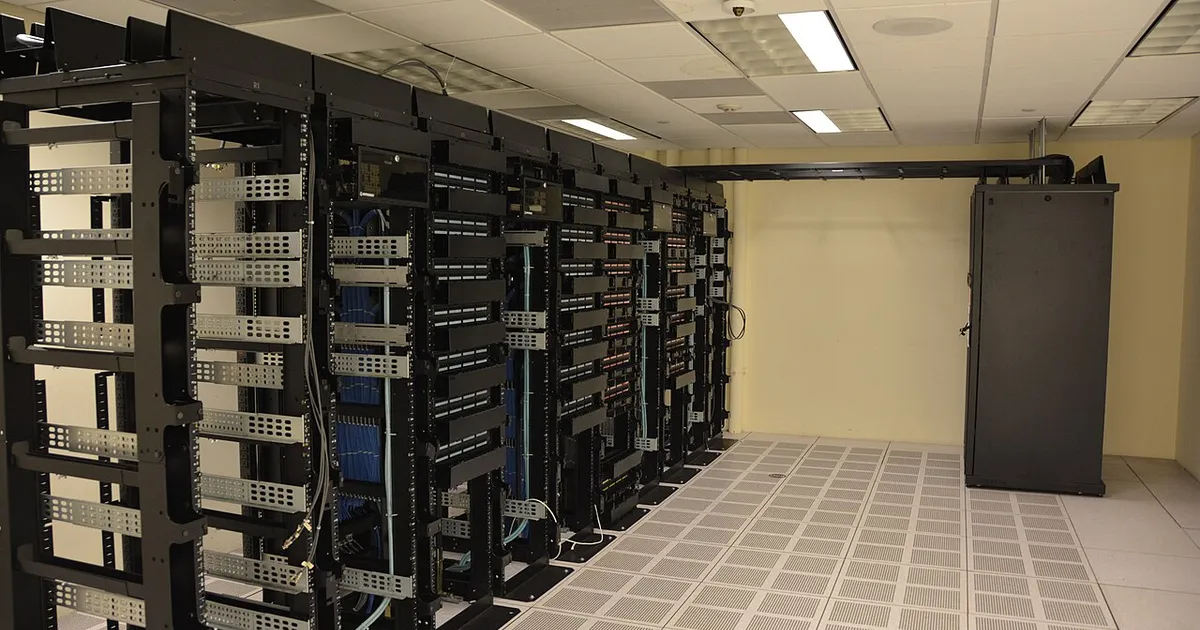
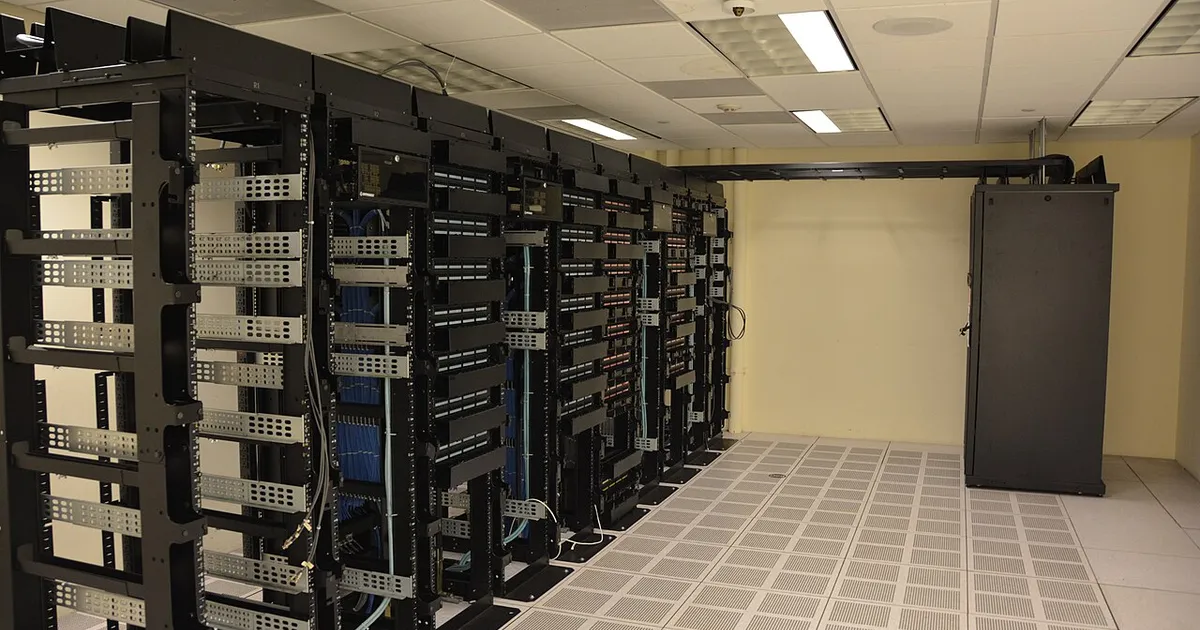
Photo: Direct URL (https://commons.wikimedia.org/wiki/Special:FilePath/Datacenter_Server_Racks_(22370909788).jpg?width=1200) — verify license before use

 Fazlur Rahman