TechPowerUp's November 20, 2026 report said Copilot is integrated, with its answers appearing in Search. Microsoft's release notes and support page do not list that. Treat the feature as not yet delivered.
How to disable web search in Windows 11
PCWorld's October 28 report explains how to turn off web results. Open Settings, go to Privacy and security, then Search. In the Indexing status section, find Show suggested search results and turn off the web option. PCWorld adds that you can also disable Microsoft Store suggestions.
Microsoft calls the toggle Web search rather than Bing search because some regions use other providers. PCWorld says the phased rollout began in August 2026 and has not reached every user. TechPowerUp says the July 2026 update had already removed ads and promotional content from Search.
Install now or wait for December 8?
KB5132057 is optional, and Microsoft calls it a non-security update. Skipping it costs you no security fix. Windows Latest says the same changes will ship in the December 8, 2026 Patch Tuesday update. Patch Tuesday is Microsoft's regular monthly update day. Our look at the September 2026 Patch Tuesday shows what one brings.
Install now if you want the new search early, you use English, and the PC is yours to manage. If Windows is set to another language, you may not see the new search yet, because Microsoft says it is initially available in English. If your workplace or school manages the device, your IT team decides. Microsoft's page marks Windows Update for Business as not available for this update and says WSUS needs a manual import.
Microsoft's support page lists one known issue. On server devices, SQL Server linked-server connections can stay open after queries finish. This follows updates released on or after October 13, 2026. SQL Server is Microsoft's database product. The issue affects queries that use OLE DB providers, Microsoft's older database connection technology. Oracle and PostgreSQL connections are among those known to be hit. Microsoft says a mitigation is available for enterprise devices and a fix is still in development. Waiting for December 8 does not avoid this issue, because that update also comes after October 13.
What is not confirmed yet
- December 8, 2026 for these changes - an expectation from Windows Latest, not a Microsoft guarantee.
- The 15 to 20 percent memory saving - one outlet's figure, with no test method given.
- Copilot answers in Search - How-To Geek says later this year, while TechPowerUp says they are already integrated.
Next steps
Open Settings > Windows Update and see whether the optional preview is offered to your device. If you go early, install KB5132057 and check the search box once the rollout reaches you. Otherwise, wait for the December 8, 2026 update. Microsoft's support page for KB5132057 is where it will post any change to the known issue.
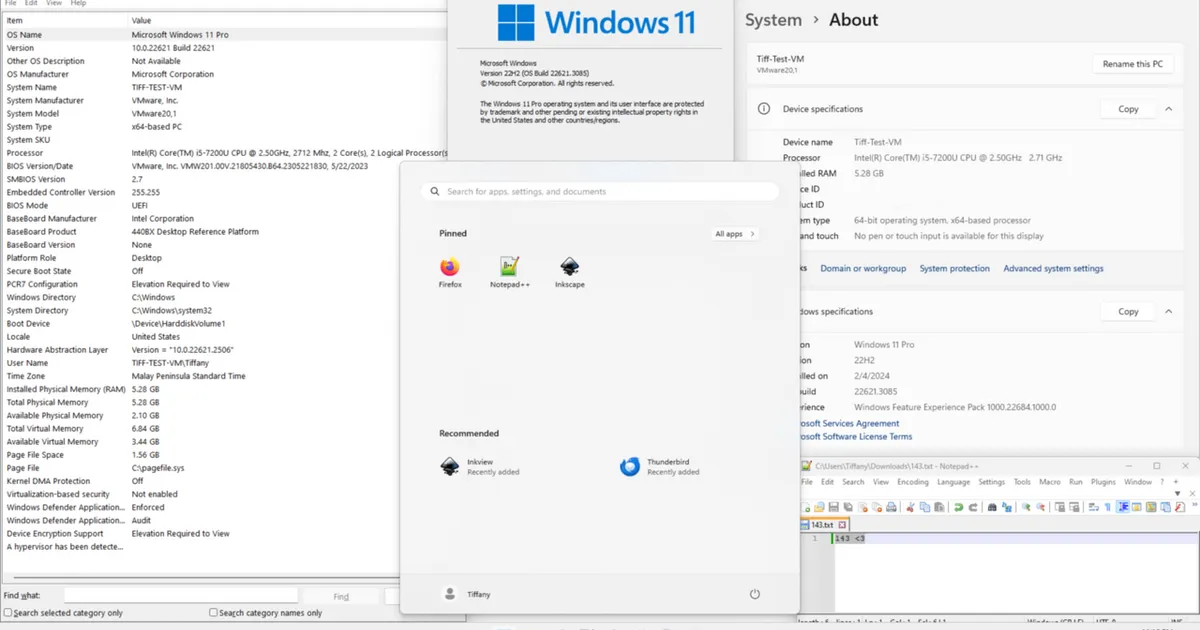
Photo: Microsoft; for the icons: https://notepad-plus-plus.org https://www.mozilla.org/de/firefox/ https://www.gimp.org/ https://inkscape.org/, Public domain, via Wikimedia Commons (https://commons.wikimedia.org/wiki/File:Windows_11_screenshot.png)