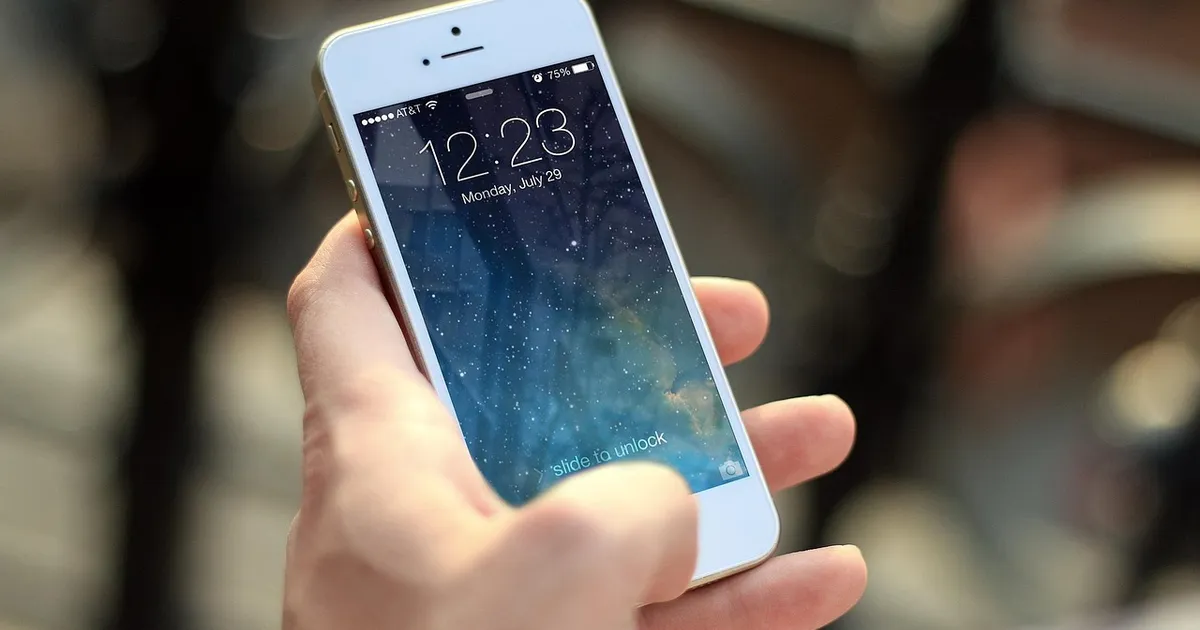
Finding the right note-taking app for iPad can change how you work, study and think. The iPad now supports mature note apps that rival a paper notebook and beat it on search, organization and sharing. The five apps below are the strongest in 2026 for handwriting, typed notes, planning and research. Each was tested on iPadOS 19 with the Apple Pencil Pro.
How we picked the 5 best iPad note apps
Every app on this list had to pass four tests. First, Apple Pencil support had to feel instant. Latency above 20 milliseconds makes handwriting feel sluggish. Second, search had to work across both typed and handwritten notes. Third, the app had to sync to a computer or cloud service without file corruption. Fourth, the price had to be reasonable. The final list covers both free and paid options across handwriting, Markdown, and daily planning.
All five apps also run on the iPad mini, iPad Air, iPad Pro and standard iPad. The Apple Pencil Pro is recommended for handwriting, but the Apple Pencil USB-C and Apple Pencil 2 also work. The apps were tested on the 13-inch iPad Pro M4, the iPad Air M3 and the standard 11th-generation iPad. Each app supports Stage Manager, Split View and Slide Over. Every app uses Apple's Metal rendering for smooth ink, so the writing experience is the same on every iPad that supports the Apple Pencil.
The 5 best iPad note apps in 2026
GoodNotes 6
GoodNotes 6 is the best iPad note app for handwriting in 2026. The Apple Pencil latency is the lowest of any app, near 9 milliseconds on the M3 iPad Air. Handwriting search recognizes over 80 languages and improves the more you write. You get unlimited notebooks, dividers, sticky notes and PDF markup. AI features added in 2026 include a writing assistant that fixes grammar, a math solver that reads handwritten equations, and a flashcard generator that turns notes into study decks. The price is 9 dollars one-time or 3 dollars per month, according to the GoodNotes official site. Cloud sync uses iCloud. The iPad app also runs on Mac through Apple Silicon. GoodNotes 6 also added shared notebooks in 2026, so two people can write in the same document live.

Notability
Notability is the runner-up and wins for users who record lectures or meetings. The audio recording syncs to your notes in real time, so tapping a word jumps to the moment in the recording when you wrote it. This feature alone makes Notability the choice for college students and journalists. The 2026 release added multi-track audio, so you can record two speakers and keep their voices separate. Handwriting is smooth and PDF tools are solid. The price is 9 dollars one-time or 3 dollars per month, per the Notability pricing page. Notability syncs through iCloud and supports shared notebooks. The main limit versus GoodNotes is weaker search across handwriting and less flexible organization. Notability also has a free tier with limited notebooks, but the premium features are worth the upgrade for any regular note-taker.
Apple Notes
Apple Notes is the best free iPad note app and the right starting point for most people. It is built into every iPad and has grown into a capable app. iPadOS 19 added inline sketches that turn into sharp shapes, collaborative folders that work like Google Docs, deep links from one note to another, and a Quick Note feature that opens from any screen with the Apple Pencil double-tap. Apple Notes supports folders, tags, locked notes, document scanning and shared collaboration. The main limits are no PDF annotation, no cross-handwriting search, and no support for external cloud services. For personal and work notes, Apple Notes is good enough that many people never need anything else. Apple Notes also syncs to Mac and iPhone through iCloud, so you can start a note on your iPhone and finish it on your iPad. The Smart Folders feature uses on-device machine learning to organize notes by topic, so receipts, recipes and meeting notes get their own folders without manual sorting.
Obsidian
Obsidian is the best iPad note app for users who think in connections. It stores every note as a plain Markdown file, so your notes open in any text editor forever. The big idea is the graph view, which shows your notes as a web of links. Backlinks let you see every note that mentions a topic. The 2026 release added native handwriting inside Markdown notes through a new drawing canvas block. Obsidian is free for personal use. The paid Obsidian Sync service is 5 dollars per month and syncs across iPad, iPhone, Mac, Windows and Linux, per the Obsidian pricing page. The community has built thousands of plugins for tasks, calendars, kanban boards and AI. The learning curve is the steepest of the five apps, but for researchers, writers and engineers, Obsidian is the most powerful option. Obsidian also works fully offline once the local vault is set up, which is useful for travel and secure work.
NotePlan
NotePlan is the best iPad note app for daily planning and task management. It combines a Markdown note editor with a built-in calendar, a task list, and a daily note that auto-links to every meeting on your calendar. The 2026 release added a focus mode that blocks notifications, a time-blocking sidebar, and Apple Pencil support for handwriting in the daily note. NotePlan syncs through iCloud and works on iPhone, iPad and Mac. The price is 10 dollars per month or 96 dollars per year, which is higher than the others, according to the NotePlan website. The right user is a knowledge worker who wants notes and tasks in one place. If you only need notes, NotePlan is overkill. If you live in your calendar, NotePlan replaces three other apps. NotePlan also supports time zones, so a meeting in London shows in the right slot even when you travel.
Which iPad note app should you pick?
Pick GoodNotes 6 if you want the best handwriting experience and you take mostly written notes. Pick Notability if you record lectures or meetings and you need audio sync. Pick Apple Notes if you want a free, no-setup option that works on every Apple device. Pick Obsidian if you think in connections and you want your notes to last forever as plain text. Pick NotePlan if you want notes, tasks and calendar in one app. Most people start with Apple Notes and move to GoodNotes or Obsidian once their needs grow. Each of these apps supports the iPad's Stage Manager for multitasking, so you can keep a reference document on one side of the screen and your note on the other.
Pricing summary
| App | Price | Free Tier | Sync |
|---|---|---|---|
| GoodNotes 6 | $9 one-time or $3/month | No | iCloud |
| Notability | $9 one-time or $3/month | Limited | iCloud |
| Apple Notes | Free | Yes | iCloud |
| Obsidian | Free personal, $5/month Sync | Yes | iCloud Drive, Dropbox, Sync |
| NotePlan | $10/month or $96/year | No | iCloud |