Fazlur Rahman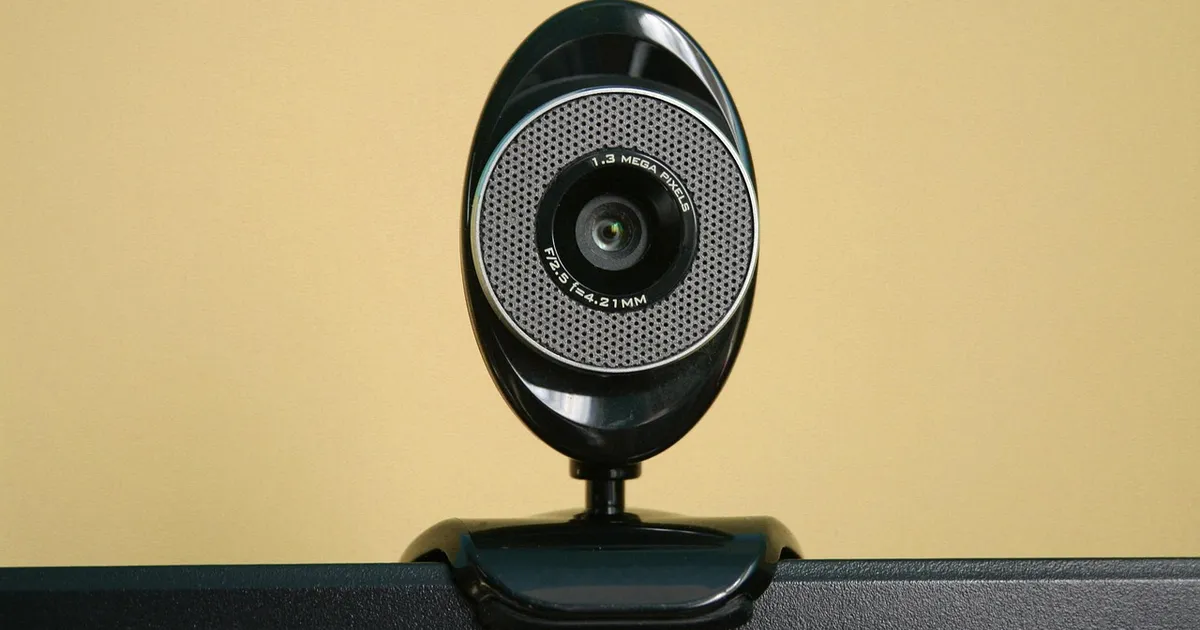
The variable that decides everything is light, not megapixels. The best webcam for streaming in 2026 runs from about $59 for an Anker PowerConf C200 to $329 for an OBSBOT Tiny 2, and the gap between them is sensor size, low-light behavior, and focus. Read on and you will leave with a pick for your exact setup, a clear view of what autofocus costs you, and a two-minute checklist you can run at your own desk.
Streaming puts your face on screen for hours, so the camera has to hold up in the light you actually have. A bright window behind you flattens any sensor, while one soft lamp in front of you makes even a mid-price model look good. That is why the picks below are grouped by setup instead of by price alone.
What is the best webcam for streaming in 2026?
Five models earn a place here, and each one solves a different problem.
The Logitech MX Brio for dim rooms
The Logitech MX Brio at $199.99 is the all-rounder for creators who want 4K and strong low-light performance in one device. Logitech says the MX Brio sensor uses 70% larger pixels than the Brio 4K, and that gap shows up most in dim rooms.
The Elgato Facecam 4K for a still frame
The Elgato Facecam 4K at $199.99 suits creators who want 4K at 60 frames a second and a lens that never moves. Elgato says the Facecam 4K uses a fixed focus range of 30 to 120 centimeters at 4K, so the picture stays sharp at a desk.
The Insta360 Link 2 when you move
Insta360's Link 2 at $199.99 adds a small motorized gimbal that follows you around the frame, which helps when you talk with your hands or stand up mid-sentence.
The StreamCam and the PowerConf C200 on a budget
The Logitech StreamCam at $169.99 stays the easiest 1080p60 streaming camera to set up. The Anker PowerConf C200 at $59.99 buys 2K resolution with autofocus for less than the price of a large dinner out.
| Model | Price | Resolution | Focus | Best for |
|---|---|---|---|---|
| Logitech MX Brio | $199.99 | 4K at 30 fps | Autofocus | All-around 4K streaming |
| Elgato Facecam 4K | $199.99 | 4K at 60 fps | Fixed | Clean 4K60 at a desk |
| Insta360 Link 2 | $199.99 | 4K at 30 fps | Autofocus with tracking | Moving around the frame |
| Logitech StreamCam | $169.99 | 1080p at 60 fps | Autofocus | Simple 1080p60 streaming |
| Anker PowerConf C200 | $59.99 | 2K at 30 fps | Autofocus | Cheap upgrade from a laptop |
Logitech lists the MX Brio at $199.99 and the StreamCam at $169.99 on its own store. Elgato lists the Facecam 4K at $199.99, and Amazon lists the Insta360 Link 2 at $199.99. Prices move through the year, so open the listing before you buy.
Is 4K better than 1080p for streaming video?
Only if your platform and your viewers can use it. Most streaming platforms cap outbound video at 1080p and 60 frames a second, so a 4K camera records in 4K and then sends 1080p. That still helps, because a 4K sensor crops cleanly when you need a tighter shot.
Here is the honest split. For talk shows, reviews, and gameplay, 1080p60 is the practical target, and the StreamCam serves it well. For close-up work, product detail, or room to crop, the extra pixels on the MX Brio and Facecam 4K pay off. A 4K streaming webcam also helps when you sit close to the lens.
Frame rate matters more than most buyers expect. Sixty frames a second makes hand gestures and quick camera moves look smooth, while a 30 fps camera makes the same motion look choppy.
Logitech's own webcam guide lists the MX Brio at 4K for 30 fps and 1080p for 60 fps. Elgato sells the Facecam 4K as a 4K60 camera. The best webcam for streaming video is often a 1080p60 camera, and the leftover money belongs on lighting.
Is autofocus better than a fixed focus lens?
Both work, and they fail in different ways. A fixed focus camera holds one set range and never moves, so your picture stays sharp if you sit inside that range. An autofocus camera hunts when you reach forward or the lock shifts, and your face goes soft for a second while the audience watches.
Streamers who stay in one spot usually prefer fixed focus. Creators who shift position often prefer autofocus with manual override. Elgato takes the fixed-focus route, and its Facecam 4K keeps the image still while you move.
One fixed-focus detail is worth knowing. Elgato's Facecam 4K supports 49 millimeter lens filters, a feature most webcams skip. You can add a warm or neutral filter without buying a second lens.
Can a DSLR with a capture card beat a webcam?
Yes, in one specific way. A mirrorless or DSLR camera with a real lens gives you shallow depth of field, a choice of focal lengths, and far better low-light performance. The catch is that you need a capture card, a clean HDMI output, and a way to power the camera while it streams.
The trade-off is setup time and reliability. A webcam plugs in and shows up in your streaming software in under a minute. A camera rig needs a clean HDMI feed, and many DSLR outputs add an overlay that you must switch off in the camera menu first.
For a first stream, a $200 webcam and a $700 camera body are closer than you think. The bigger difference is good lighting versus bad lighting. If your light is wrong, a better sensor will not rescue the shot.
Once the light is right, the rest of the desk starts to matter. The best gaming monitors of 2026 give you a clean frame for overlays, and a tidy desk keeps distractions out of the shot.
What are the lighting and audio gaps that buyers hit?
Lighting is the first gap. Most budget webcams have a small sensor and a wide open lens, and they expect a bright room. Logitech claims the MX Brio keeps detail when you are backlit and recovers low-light video better than the Brio 4K. Any camera looks better with one soft light in front of you and slightly above eye level.
Audio is the second gap. Nearly every webcam microphone is a small omnidirectional mic that picks up your keyboard, your desk, and the whole room. Elgato removed the microphone from its Facecam line and treats a separate mic as standard kit. If sound matters to you, add a USB microphone or use a headset instead.
If you record while you travel, our noise cancelling headphones versus earbuds comparison covers the trade-offs between the two styles of headset.
Connection is the third gap. A 4K camera moves a lot of data, and a slow network or a USB 2 port will drop frames. Elgato requires USB 3.0 or better on its Facecam models. If your Wi-Fi is unreliable, a wired connection and a solid mesh Wi-Fi system will protect the stream from buffering.
How much should you budget for a streaming webcam?
Spend in three tiers, and match the tier to the job. Under $100 covers video calls and a first stream. The Anker PowerConf C200 at $59.99 sits here with 2K resolution, autofocus, and three field-of-view settings. The Logitech C920s Pro HD at $69.99 adds stereo microphones for the same budget.
Between $100 and $200 covers most creators. Logitech lists the StreamCam at $169.99 for 1080p60 with a glass lens and a USB-C cable. The Brio 4K at $169.99 adds 4K, HDR, and Windows Hello sign-in. Elgato lists the Facecam 4K at $199.99 for 4K60.
Above $200 buys one specific feature rather than better basics. The Insta360 Link 2 at $199.99 adds motorized tracking. The Elgato Facecam Pro at $299.99 adds a large Sony sensor with variable focus from 10 centimeters to infinity.
Judge the last group with care. The best webcam for streaming is the one that passes the checks below in your room, not the one with the longest feature list on the box.
| Check before you buy | Why it matters |
|---|---|
| USB 3.0 port on your computer | 4K video needs the bandwidth |
| Focus range for your seat | Fixed focus only works inside it |
| Frame rate at your resolution | 60 fps looks smoother than 30 |
| Built-in mic or none | Decides if you need a separate mic |
| Mount type | Tripod thread or monitor clamp |
| Physical privacy shutter | Useful in a shared room |
Run that list against your own desk before you pay. Your computer matters too, since encoding a live stream needs headroom. Our guide to the best laptop for work in 2026 covers the chips that hold a steady frame rate, and the best laptops for video editing covers the heavier editing side of a creator setup.
Model prices and specifications were last verified in October 2026 against the Logitech and Elgato store pages.
Photo: Aksa2011, Pixabay Content License, via Pixabay (https://pixabay.com/photos/camera-webcam-computer-internet-1219748/)