 Fazlur Rahman
Two checks sort every coding robot for kids: the age band the maker prints, and whether the robot needs a tablet before it moves. Printed bands run from 5 up to 14. Screen needs run from none at all to an app for everything. This guide sorts five kits on those two checks, using the makers' own pages.
You get a spec table, a pick-this-one-if matrix and three product picks.
Which coding robot for kids fits your child's age and how is it programmed?
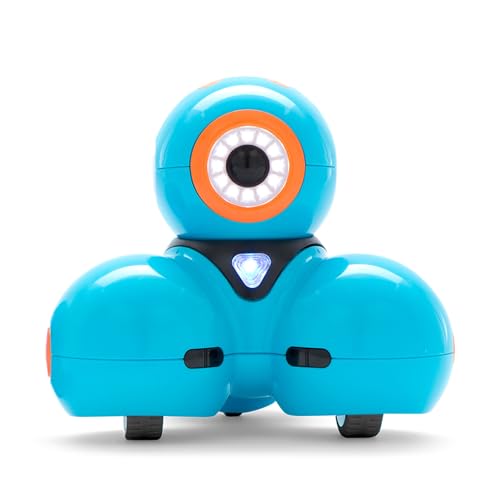
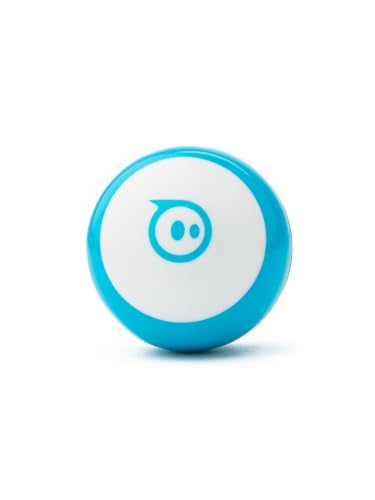
To pick a coding robot for kids, match the age band first, then the way it is programmed. Botley 2.0 and Dash start at 5. Ozobot Evo is built for Grades K-5. Sphero Mini and mBot2 start at 8. Only Dash prints an upper age above 12: it states 5 to 14.
Block-based coding uses drag-and-drop tiles. Text coding means typed lines in JavaScript or Python. A few terms appear below:
- Blockly - drag-and-drop tiles that snap together in an app
- Blockly Pro - a Dash mode that toggles between blocks and JavaScript
- Color Codes - marker lines that steer an Ozobot on paper
Ozobot's 2026 buying guide recommends screen-free sensory play for ages 3-5. It says a beginner robot like Evo suits a child who can follow simple color-code or block instructions. Evo is built for Grades K-5, meaning kindergarten through grade 5.
Which coding robot for kids needs a tablet and which one does not?
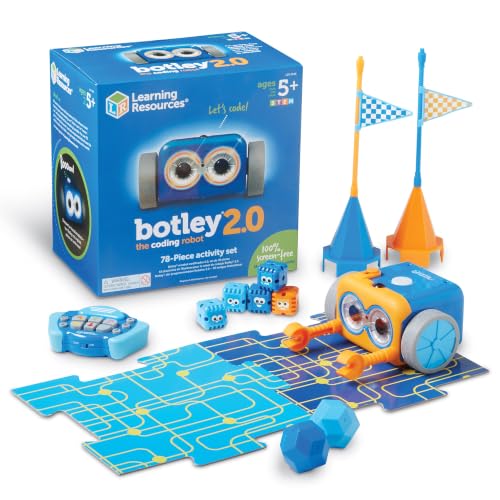
Only two of these five kits run without a screen. Botley 2.0 uses a hand-held remote, so no tablet, app or computer is needed. Ozobot Evo works screen-free with Color Codes drawn on paper. The other three need a device with the maker's app.
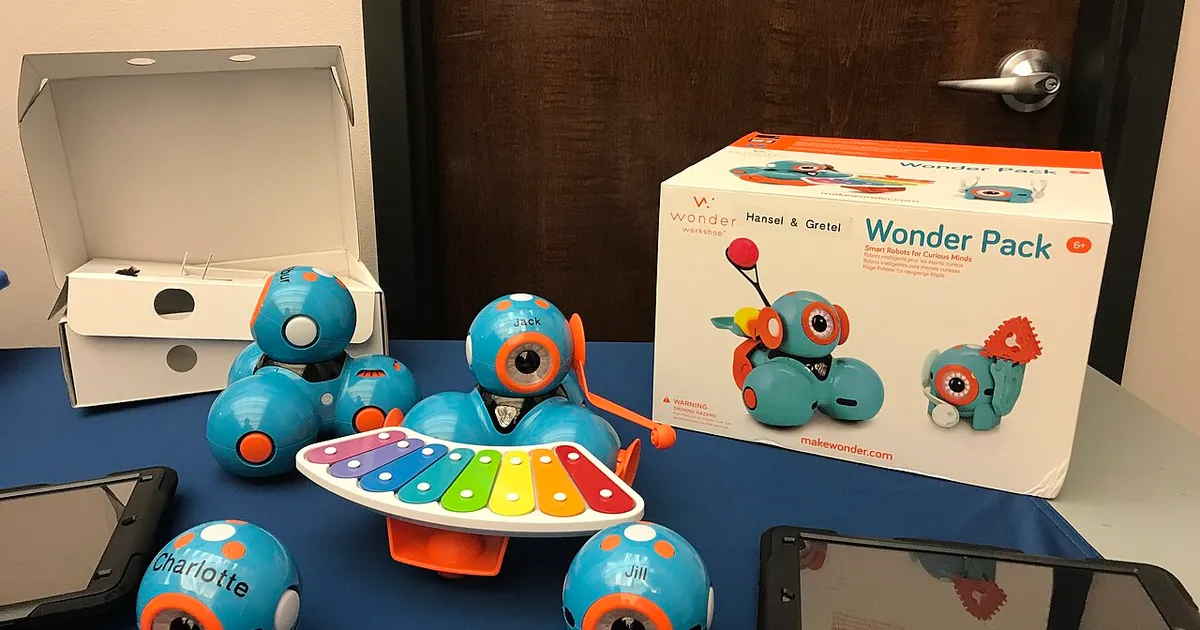
Dash is the most flexible. Its apps for iPad, Android tablets and phones run without internet, though you must download them first. Laptop and Chromebook users get web Blockly, which needs an internet connection.