| Power bank setup | Capacity | Output | Best use |
|---|
| Pocket charger | 5,000 mAh | 20 W | One phone per day |
| Daily carry | 10,000 mAh | 20 W | Two phone charges |
| Travel charger | 20,000 mAh | 65 W | Phones plus a light laptop |
| Work travel charger | 25,000 mAh | Three ports at 100 W | Laptop with two other devices |
| Approval needed | 27,000 to 43,000 mAh | Varies | Only with airline sign-off |
How do charging speed and capacity interact?
A larger power bank with slow output can leave you waiting longer than a smaller one with fast output. Compare power bank capacities and wattage ratings together, not separately.
Here is how the common configurations compare for a traveler:
- 5,000 milliamp hours with 20 watt output, one charge, roughly two hours to refill
- 10,000 milliamp hours with 20 watt output, two charges, around three hours to refill
- 20,000 milliamp hours with 65 watt output, three to four charges, about 90 minutes to refill
- 25,000 milliamp hours with three 100 watt ports, four to five charges, and a laptop in the mix
Some models charge wirelessly, and the 10,000 milliamp hour magnetic models are popular for that reason, with one maker claiming 1.8 full charges for a recent flagship phone.
Wireless charging is slower than wired, so treat the wattage figure on the box as the real limit for your laptop and use the cable for phones when time matters.
Charge speed also depends on the charger you plug in. A power bank that accepts 65 watts needs a 65 watt charger to refill at that rate.
Our guide to the best laptops for work covers which chargers those machines expect, and the best budget laptops for online classes covers models with smaller power needs.
Most people also underestimate how quickly a bank loses charge in a bag. Leaving one at 80 percent in a warm car on a summer day can drop it by 15 percent overnight, which is one full phone charge gone before you start the trip.
One practical number helps most people. If you plan to charge one phone twice a day with some reserve, 10,000 milliamp hours is the smallest size that will not leave you hunting for a socket.
Some carriers also cap the number of power banks at two regardless of size, so check the count as well as the capacity.
How do you pick the right capacity for your trip?
Work out how many devices you need to charge and for how long, then buy the smallest bank that covers it. Comparing power bank capacities by guesswork leads to carrying something too heavy.
Use this method:
- Count your devices and their battery sizes in watt hours
- Add the daily need for the length of the trip
- Add a 30 percent buffer for older cells and heat loss
- Check the result stays under 100 watt hours if you want no airline approval
- Confirm the output wattage matches your largest device
A phone at 15 watt hours, a tablet at 30 and a laptop at 60 gives a day of work at 105 watt hours before losses.
A 25,000 milliamp hour bank at about 93 watt hours covers that with a little room, and it still clears the airline limit. A 50,000 milliamp hour bank would cover two days but cannot fly in the cabin.
Weight matters at these sizes. A 5,000 milliamp hour bank is pocketable, while a 25,000 milliamp hour unit is roughly the size of a phone and weighs close to a pound. If you only need a top-up between flights, the smaller bank wins.
Battery chemistry matters for long trips. Lithium iron phosphate cells lose less capacity in cold weather and tolerate more charge cycles than standard lithium polymer cells.
If you travel in winter or keep a bank in a car, that difference shows up as a bank that still holds a useful charge.
Capacity also decays over the life of the bank. A unit you bought two years ago may hold 80 percent of its rated capacity, so check the charge cycle rating if you buy used, and keep the original packaging with the watt hour label.
What about power banks for laptops and tablets?
A laptop needs 45 to 100 watts, which is a different product from the one that tops up a phone. Most compact banks cannot deliver that, so check the output before you assume the device will charge.
Charging a laptop also slows down when you run it while plugged in, because the power split between the machine and the battery changes.
A bank that delivers 65 watts will charge a laptop steadily, but a 45 watt bank fills the battery slowly while the laptop is in use.
Tablets sit in between. Most accept 20 to 30 watts, which fits the mid-range banks in the table above. The best laptops for programming and the best laptops for college students both list the charger power each machine expects.
| Device | Power needed | Minimum bank output |
|---|
| Phone | 10 to 20 W | 20 W |
| Tablet | 20 to 30 W | 30 W |
| Thin laptop | 45 to 65 W | 65 W |
| Workstation laptop | 90 to 100 W | 100 W |
What are the next steps before you buy a power bank?
Find the watt hour rating first, then check the output, then confirm the airline rule for your route. That order prevents the two expensive mistakes: buying a bank you cannot fly with, and buying one too slow for your devices.
Before you order, work through this list:
- Read the watt hour rating on the product page, not just the milliamp hour number
- Confirm the maximum output wattage covers your largest device
- Check how many ports you need and whether they share power
- Look for a display that shows remaining charge in percent
- Verify the airline rule for every route you fly
- Compare weight against the capacity you actually need
Also check the warranty and the safety certifications, since counterfeit power banks are a real problem in cheap listings.
The FAA lithium battery guidance lists what to look for in a legitimate battery, and Anker's airline capacity guide walks through the same arithmetic with worked examples.
Keep the receipt and the rating label with the device while you travel. If an airline questions the capacity, the printed watt hour figure settles the conversation faster than any explanation.
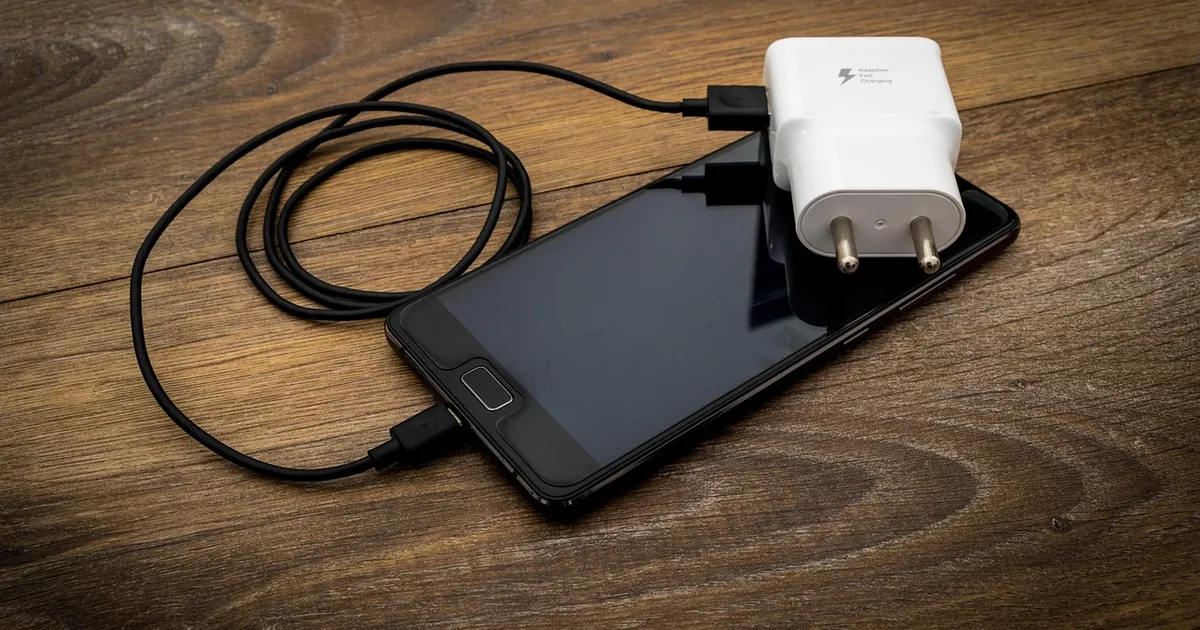
Photo: ReadyElements, Pixabay Content License, via Pixabay (https://pixabay.com/photos/two-pin-two-pin-plug-accessories-3509490/)

 Fazlur Rahman